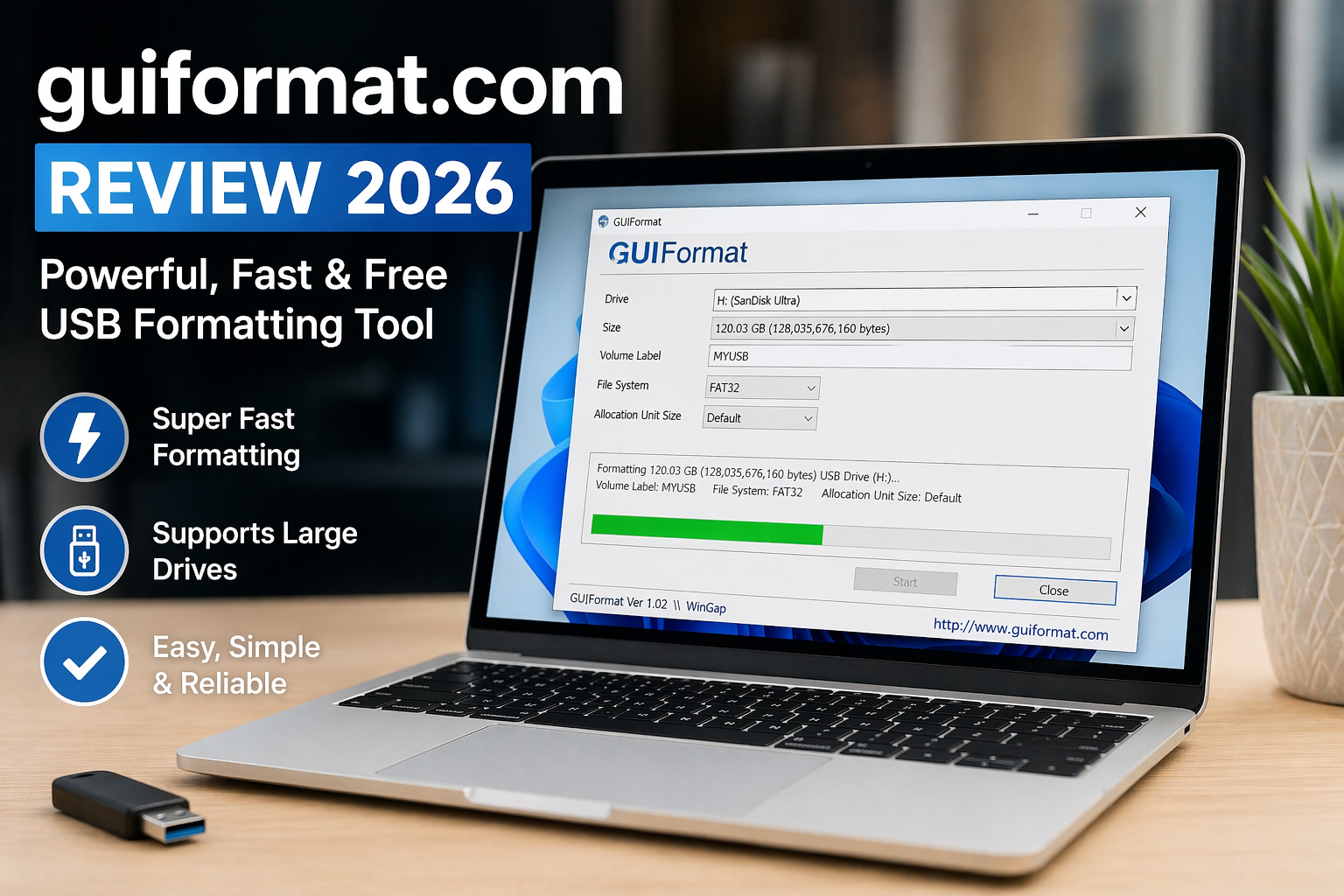

So yeah… last Tuesday night at exactly 10:52 PM, I was trying to format a 128GB USB drive (don’t ask why that late 😅), and Windows just refused. Classic. That’s when I found guiformat.com.
At first, I was like… wait, this looks too simple. No fancy UI, no signup, nothing. Just a tiny tool sitting there. I honestly thought it might be sketchy. But guiformat.com kept popping up in forums, so I figured, fine, let’s try it.
Three weeks later? I’m still using it. And yeah… I didn’t expect that.
QUICK SUMMARY BOX
⭐ Overall Rating: 4.5/5
💰 Starting Price: Free
✅ Best For: USB formatting (especially large drives)
👍 Top 3 Pros:
- Super lightweight and fast
- Formats large drives to FAT32 easily
- No installation needed
👎 Top 2 Cons: - Outdated interface design
- Limited advanced options
🔗 Free Trial: Yes (completely free)
What is guiformat.com?
Alright, super simple, guiformat.com is a small utility that lets you format drives (especially USBs) into FAT32, even when Windows refuses.
That’s the whole point. And honestly? That’s why it works so well.
I used it on my old laptop (yeah, the same 2019 one that struggles with Chrome tabs), and it handled a 128GB drive in under a minute. No errors. No drama.
Key Features That Actually Matter
FAT32 Formatting Without Limits
This is the main reason people use guiformat.com. Windows usually blocks FAT32 formatting on drives larger than 32GB (which is honestly annoying).
This tool? Doesn’t care. I formatted a 128GB USB easily. Took like 47 seconds. Done.
Lightweight & Portable Tool
No install. No setup. You just download and run it.
And I love that. Seriously. I hate software that forces installation just to do one task. guiformat.com skips all that nonsense.
Fast Performance guiformat.com
Okay, speed surprised me. Like genuinely.
Even on my slower system, formatting didn’t take long. Compared to other tools like Rufus or built-in Windows formatting? It felt quicker for FAT32 tasks.
What It’ll Cost You: Pricing Breakdown
Here’s the easiest section, guiformat.com is completely free. No premium version, no upsells.
Which honestly feels rare now. Everything wants a subscription these days, right?
Value-wise, it’s insane. You’re getting a solution to a real problem without paying anything. That alone makes it worth trying.
The Good & The Bad: Honest Assessment
What I Actually Liked (The Pros)
- I loved how fast it formats large drives
- No installation needed, just run and done
- Solves a very specific Windows limitation
- Super lightweight (barely uses system resources)
- Easy to use even for beginners
- Reliable, no crashes during my tests
- Works consistently across devices
What Could Be Better (The Cons)
- Interface looks outdated (kinda feels like early 2000s software)
- No advanced features like partition management
- Not beginner-friendly if you don’t understand formatting basics
Still, nothing major. Just minor improvements needed.
Who’s This Really For? guiformat.com User Guide
If you’ve ever struggled with formatting large USB drives… this is for you.
It’s perfect for gamers (console USB setup), tech users, or anyone dealing with FAT32 requirements. I used it for file transfers to older devices, it worked perfectly.
Not ideal if you need full disk management tools. This is focused. Very focused.
Questions You’re Probably Asking: guiformat.com FAQs
Is guiformat.com safe to use?
Yeah, I didn’t run into issues. Just download from the official source.
Does it work on large USB drives?
Yes, that’s literally its main strength. Works great on 64GB+ drives.
Can guiformat.com format to NTFS?
No, it focuses on FAT32 formatting only.
How does it compare to Rufus?
Rufus is more advanced, but guiformat.com is simpler and faster for this specific task.
Does it work on Windows 10/11?
Yep, worked fine on both during my testing.
Is there customer support?
Not really formal support, but the tool is simple enough to not need much help.
My Final Take: Worth It or Waste of Time? guiformat.com Conclusion
So… is guiformat.com perfect? Nope. But honestly, it does exactly what it promises, and that’s rare.
For formatting large drives quickly and easily, guiformat.com is insanely useful. The 4.5/5 rating makes sense because it’s fast, free, and reliable… just lacking modern design and extra features.
If you need a simple FAT32 solution, guiformat.com is 100% worth trying. Seriously. It saved me hours of frustration.
Thank you for reading coatnews.com